




OpenAI Just Declared War on Chrome: Meet ChatGPT Atlas
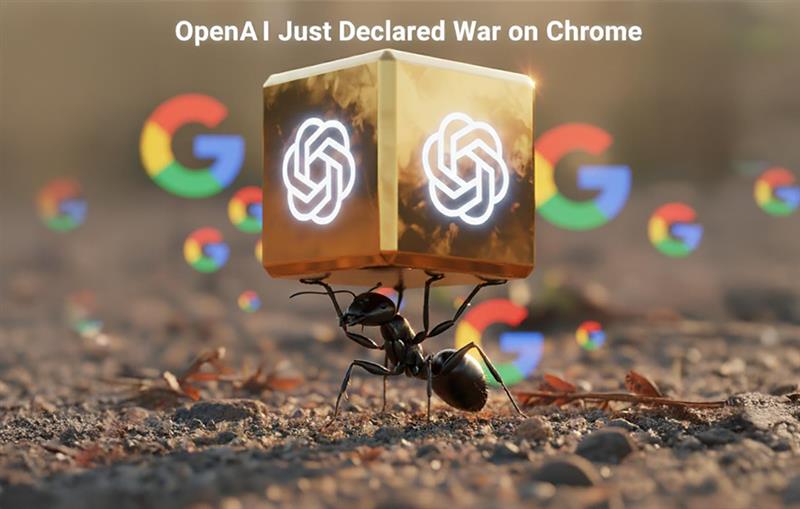
Big news in browser land – on October 21, 2025, OpenAI rolled out ChatGPT Atlas, its own AI-powered browser that’s taking direct aim at Chrome’s long-held dominance.This isn’t some timid sidekick extension – it’s a full-on AI-powered web wrangler, ready to chat, act, and remember your every click. Armed with scoops from TechCrunch, Reuters, PCMag, and the hilarious X post below (timestamped 10:05 AM IST today, Wednesday, October 22, 2025), let’s dive into what Atlas brings, why it’s built on Chromium (yep, the irony!), and how it might just ruffle Chrome’s feathers.
1. The Sidebar: Your Web’s New Bestie
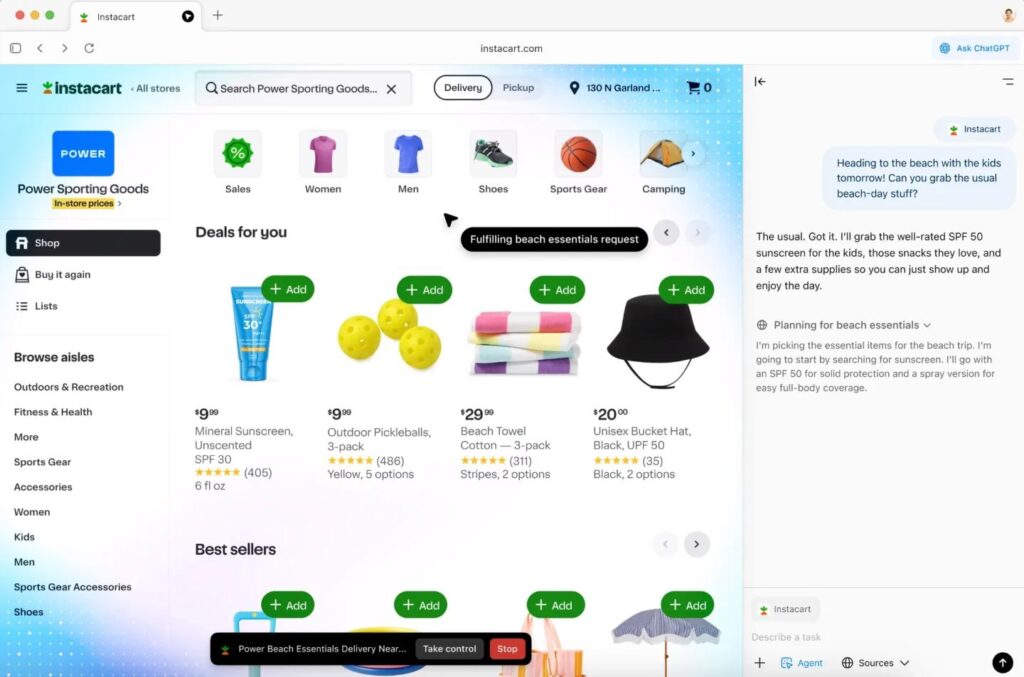
Atlas adds a ChatGPT sidebar to every page – think of it as a sidekick that can summarize, explain, or compare prices without leaving your tab. Highlight a news blurb? It’ll summarize it faster than a speed-reader on caffeine. Shopping? Ask it to price-match without breaking a sweat. This little buddy sticks around, pulling from your current page, open tabs, or past shenanigans if you flip the memory switch. X users are losing it – one called it “a helper peeking over my shoulder, but less creepy than my cat.” It’s snappy on simple sites but chugs on heavy ones, and that no-address-bar vibe (type URLs into ChatGPT instead) has folks either laughing or scratching their heads.
2. Agent Mode: When AI Turns Into Your Personal Butler
For paid ChatGPT folks (Plus at $20/month or Pro at $200/month), Agent Mode is where Atlas shines – or stumbles hilariously. This AI doesn’t just chat; it does. In a demo, it eyeballed a recipe, waddled over to Instacart, and tossed ingredients into a cart – though it took a few minutes and needed you to say, “Yes, you genius, keep going!” You can hit “take control” or slam the red stop button, and it’s sandboxed to tabs only. X users rave about it tackling email piles or trip plans, but it’s a bit of a klutz on tricky sites, misreading dropdowns like a toddler with a menu. OpenAI calls it “experimental,” so expect some comedic errors while it learns!
3. Browser Memories: Your Digital Diary, Sans the Awkward
Atlas’s “Browser Memories” is like that friend who remembers you love pineapple pizza – only it’s your browser tracking sites, prefs, or half-finished tasks if you say okay. Need a job listing recap? It’s got your back. This piggybacks on ChatGPT’s memory but ties it to your browsing, making suggestions that feel oddly personal. Privacy’s no joke here – off by default, editable, deletable, and no training data unless you opt in. Business users are off-limits, and AI-blocked sites stay safe. X folks love the control but wonder if it’ll spill their banking secrets – keep an eye on that one!
4. Built on Chromium: The Ultimate Plot Twist
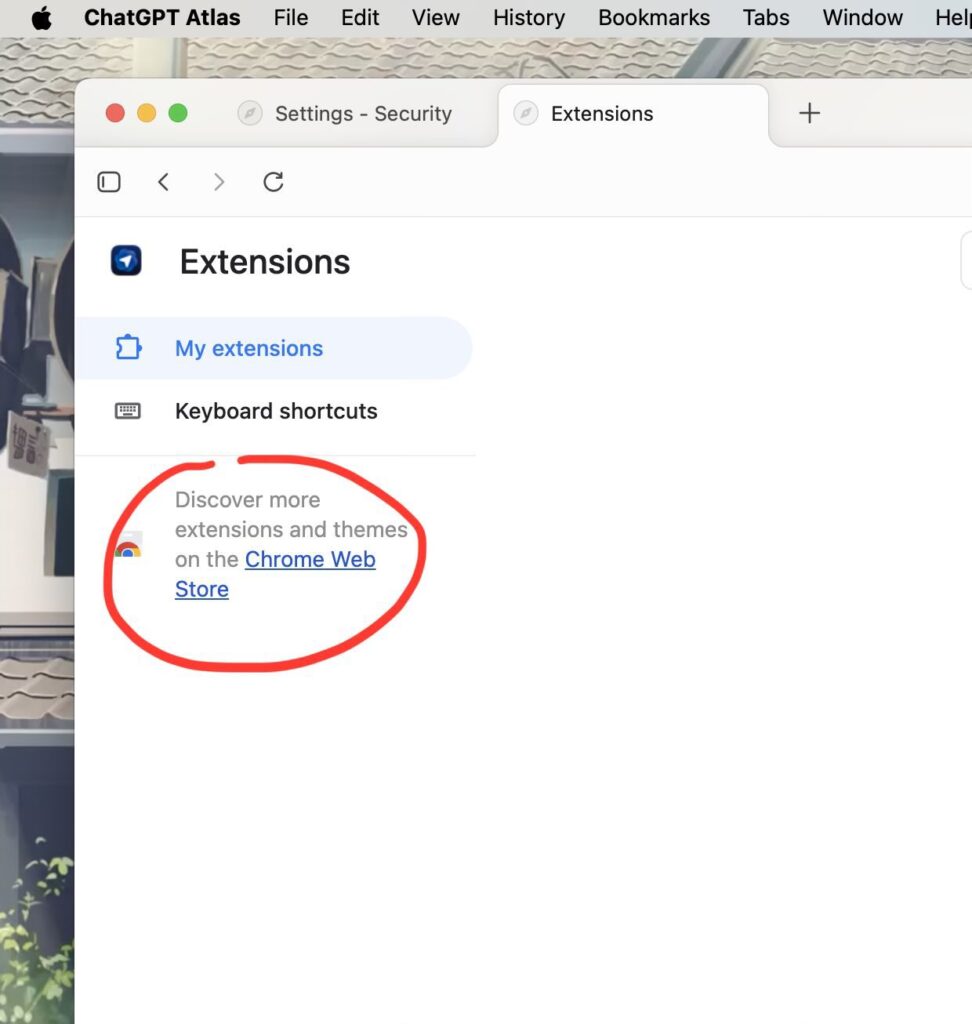
Here’s the laugh-out-loud bit – Atlas is built on Chromium, the same engine Chrome and Edge lean on! Led by Ben Goodger (ex-Chrome and Firefox wizard), OpenAI basically said, “Let’s borrow Google’s recipe, add AI spice, and call it ours.” The X post’s shows an “Extensions” menu, but don’t get excited – Chrome add-ons like password managers are MIA for now. It runs slick on macOS, though sync hiccups pop up. Extension support’s coming, so maybe Atlas will stop borrowing Chrome’s homework soon!
5. Availability: Mac First, World Next
Atlas dropped free for all ChatGPT users (even the basic tier) on macOS – grab it at chatgpt.com/atlas. Set it as default, and you score a seven-day ChatGPT usage boost. Windows, iOS, and Android are “soon” – maybe weeks, maybe a tech eternity – though iOS might force WebKit, which could cramp its style. X buzz, including our image, shows Mac fans jumping in, some loving the no-address-bar quirk, others clinging to Chrome. Start with easy tasks to dodge the early bugs – trust me, you don’t want it booking a flight to Mars!
6. How This Could Shake Up Chrome (and Make Us Giggle)
Chrome’s got the edge with its extension jungle, speed, and Google synergy, but Atlas flips the script with AI as the star. Google’s Gemini does summaries and tab tricks, but Atlas’s agent antics and memory, fueled by ChatGPT’s 800 million users, might lure folks who’d rather chat than click. Alphabet’s stock dipped 2% after launch – ad revenue jitters if Google loses click traffic! With 3 billion users, Chrome’s not toppling yet, but OpenAI’s data haul could sharpen its AI and push subscriptions.
Long-term, Google might rush to add autonomous features, turning browsers into a comedy of competitive one-upmanship. X users are split – some ditched Chrome after 15 years, citing less tab madness, while others moan about bugs and missing extensions. Atlas’s fate hinges on going cross-platform and fixing those quirks. For Google, it’s a wake-up call: browsers are now your overeager assistant, not just a window!
7. From Website to Brand Agent: The Next SEO Frontier
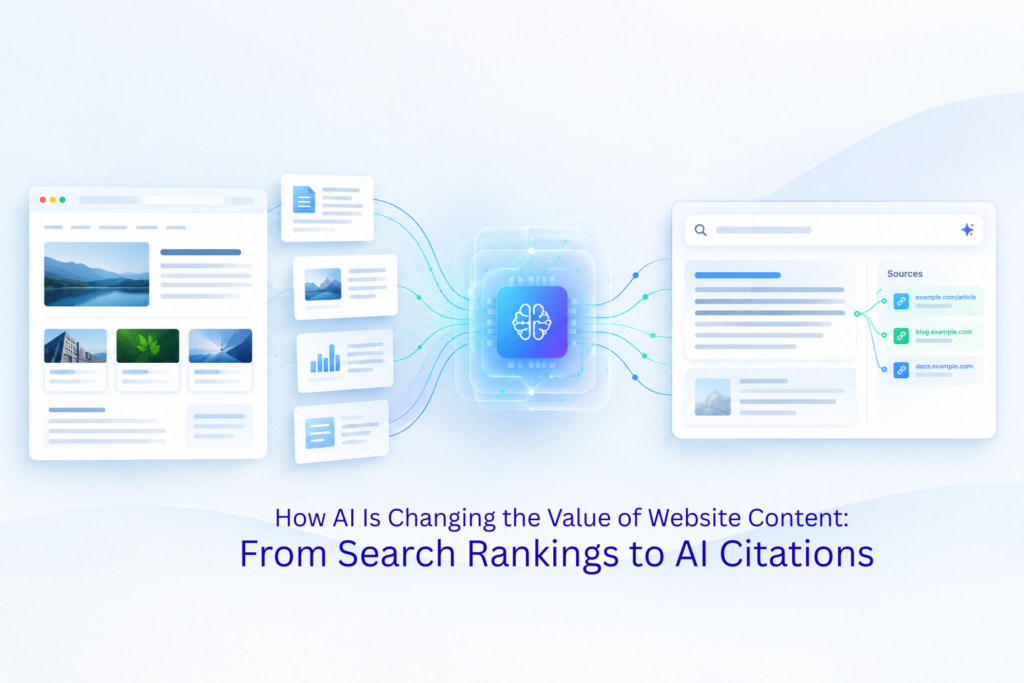
If Atlas and similar AI browsers are completing tasks directly, the website stops being the “destination” and becomes the data and execution layer underneath. The real competitive edge shifts from visual design to how well your brand is represented and interpreted by agents. That means building structured data, exposing APIs, and defining your own “official brand agent” – because if you don’t, the platform will do it for you. In this new web, brand identity lives inside the chat interface, not just on your homepage.
8. When Agents Own the Interface, Brands Need Representation
As chat-first browsing abstracts away the need to visit a site, the traditional brand experience risks getting flattened. The next optimization frontier isn’t just front-end usability but agent–brand representation – how your tone, offers, and authority are encoded for AI to use. The brands that define that layer early will own how they’re perceived in the agent ecosystem, while others will be reduced to generic summaries.
Final Thoughts: A Browser With Personality
ChatGPT Atlas takes Chromium, sprinkles AI magic, and serves up a browser that’s part helper, part clown. It’s a godsend for tab hoarders but might confuse casual surfers. Chrome’s throne is wobbly, but not toppled – yet. Mac users, give it a whirl; the rest, grab popcorn and watch. Ready to ditch Chrome, or sticking with the old faithful? Drop your funniest take below – I’m all ears! And if you need more tech laughs or insights, check out Mindbees for some solid expertise.