




What Should Website Owners Fix Before Google’s Next Core Update?
Website owners should address five things ahead of Google’s next core update: vague page purpose, keyword-stuffed titles, useless tools, fraudulent author information, and unverified AI-generated content. No expensive efforts are required to do any of them, and most of them require simply looking at your pages from a visitor’s point of view.
Is Google really planning to launch a core update soon?
Google hasn’t officially announced a new core update yet. But many SEO experts think it is imminent. Google launches a core update annually prior to the year-end holiday season. And a spam update is currently running. According to Search Engine Journal, Google could be clearing the deck before more significant ranking updates follow. Besides, Google recently revised its guidelines regarding helpful content, and revisions are all about content quality and user experience.
So consider this just a wise precaution but not an official announcement. Anyway, these actions listed below are definitely worth taking since they benefit real users rather than just search engines.
What are the main things to fix on a website right now?
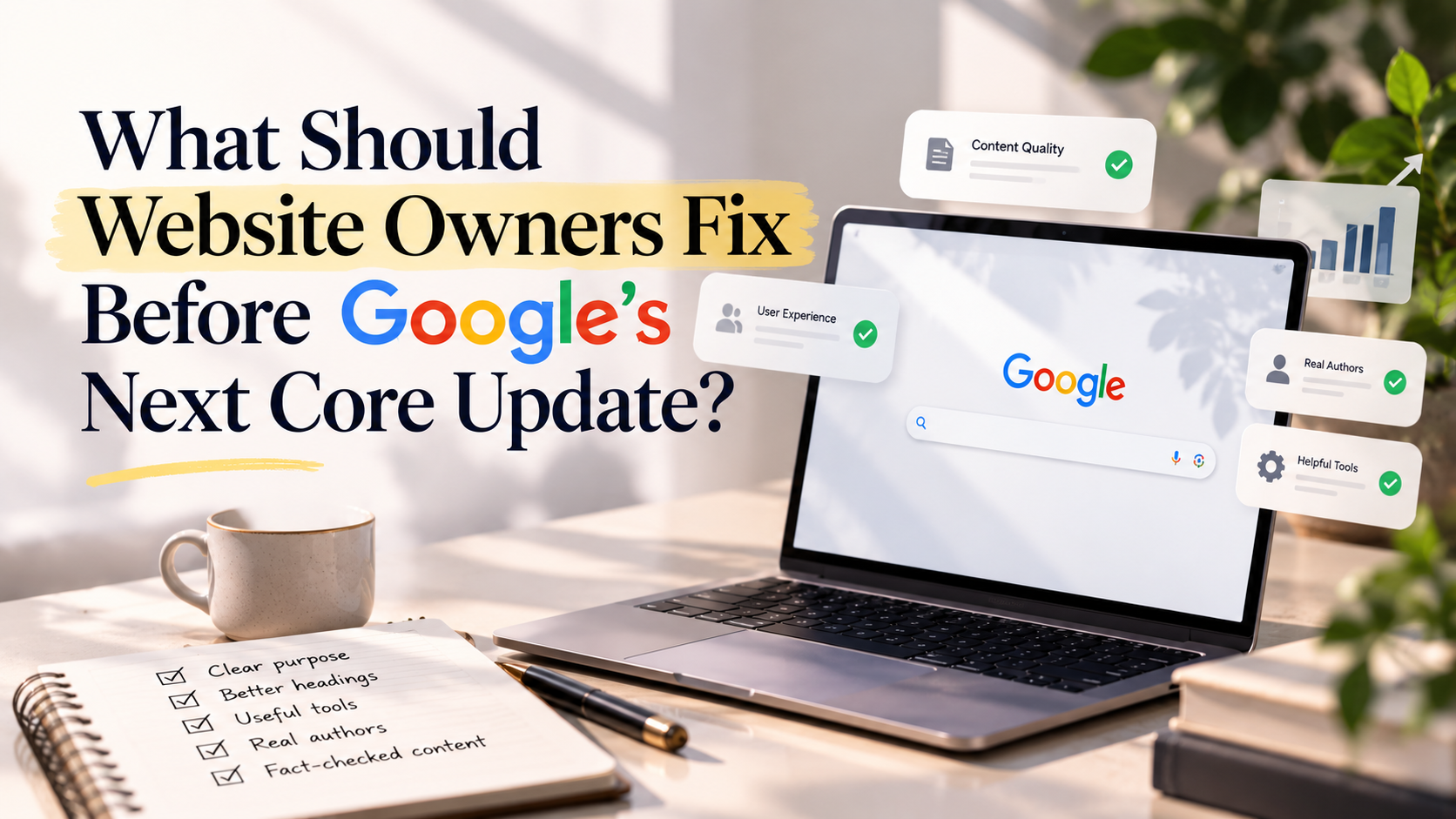
Here is the short list, and the sections below explain each one:
- ➯ Make sure every page has one clear purpose.
- ➯ Write headings for people, not for keyword tools.
- ➯ Keep only the tools and extras that truly help.
- ➯ Use real author names and honest credentials.
- ➯ Fact-check all AI-assisted content before publishing.
Does every page on my website serve one clear purpose?
Each page should serve one distinct purpose, and it should perform it well. According to Google recommendations, the main content of the page should contribute to the purpose fulfillment and provide a good user experience. Service page should help visitors understand the service and choose it. The blog post should provide an answer to the question. Pricing page should allow users to easily find the prices.
To make sure that your website does so, go to the top ten pages and think about what users want to receive there. Make sure that they can get what they need in just several seconds. The following issues can be typical:
- ➯ A lengthy introduction, slowing down the answer
- ➯ Pop-ups obscuring the main content
- ➯ Repetitive paragraphs
- ➯ Links and buttons leading to nowhere
Fixing the mentioned elements, you will make your visitors spend more time on the pages.
Are my headings optimized for people or for search engines?
Your headings should be written for people. As per Google, titles and headings should be used to summarize the topic and help visitors in deciding if a page is worth visiting. They should not be used to stuff the same keyword over and over again.
Many websites just use popular keywords from SEO tools in all their headings. It usually sounds weird, and it shows that the page was created for search engines. Create your headings like a good label instead. “How much does a WordPress website cost?” looks much better than “WordPress Website Cost Cheap WordPress Website Price.”
There is an easy test for it. Just read your headings from top to bottom. If they describe the page content in a logical order, you are doing it right. Besides, such headings make it easier for AI tools to understand which part of your page contains which answer.
Do the extra features I added really serve the visitors?
If not, then it’s better to get rid of them. Interactive elements, like calculators, online services, tabs, and reviews, are considered main content by Google when they support the purpose of the page. This way, the quote calculator becomes a useful element for the service page. On the other hand, the slider that covers the important content won’t do much good.
Check the items you have added, and use the following questions as a guideline:
- ➯ Does it help the visitor make a decision or learn something new?
- ➯ Is it fast and functional on mobile devices?
- ➯ Is the important content visible without switching between tabs?
- ➯ Is it always working, without any mistakes?
Keep those who pass and remove others. The item that doesn’t work is more harmful than its absence.
Is my author information legitimate and trustworthy?
It should be legitimate. According to Google, the use of fake author information, including pseudonyms, AI-created avatars, or fictitious qualifications aimed at making the content look expert-created is a no-no. Google explains that this type of manipulation may make a webpage untrustworthy.
If you have authors listed on your blog, ensure that the authors’ credentials are legitimate, as in that they actually created or edited the post. A typical author box should contain the following information:
- ➯ A legitimate author’s name and avatar
- ➯ A legitimate author bio
- ➯ A legitimate author link (a LinkedIn or corporate page)
In the same vein, when the company itself authored the post, make it clear to your audience. The use of honest descriptions is better than faking expert information.
Do I need to verify AI-written content?
Yes, you should always do that. AI-based programs will allow you to write your paper faster, but they will predict possible words and will not search for the required facts. For that reason, sometimes they will say something that might be true but will not actually be. According to Google guidelines, AI-generated content needs to be checked for factual accuracy manually.
Thus, you should use AI as a starting point for writing, but not as a ready-made document. You should verify all numbers, names, dates, and statements with a credible source. After that, add some value that only you could provide, for example, an example from your business, a question of your customer, etc.
How can I make my content easier for AI tools to cite?
Make your answers short, clear, and easy to find. AI platforms like ChatGPT, Gemini, and Perplexity tend to pick content that answers a question directly. Therefore, follow these habits when you write or update a page:
- ➯ Put the answer in the first one or two sentences of each section.
- ➯ Use natural question headings that match how people actually ask.
- ➯ Keep one idea per section.
- ➯ Name your sources when you share facts or guidance.
- ➯ Add a short FAQ at the end for follow-up questions.
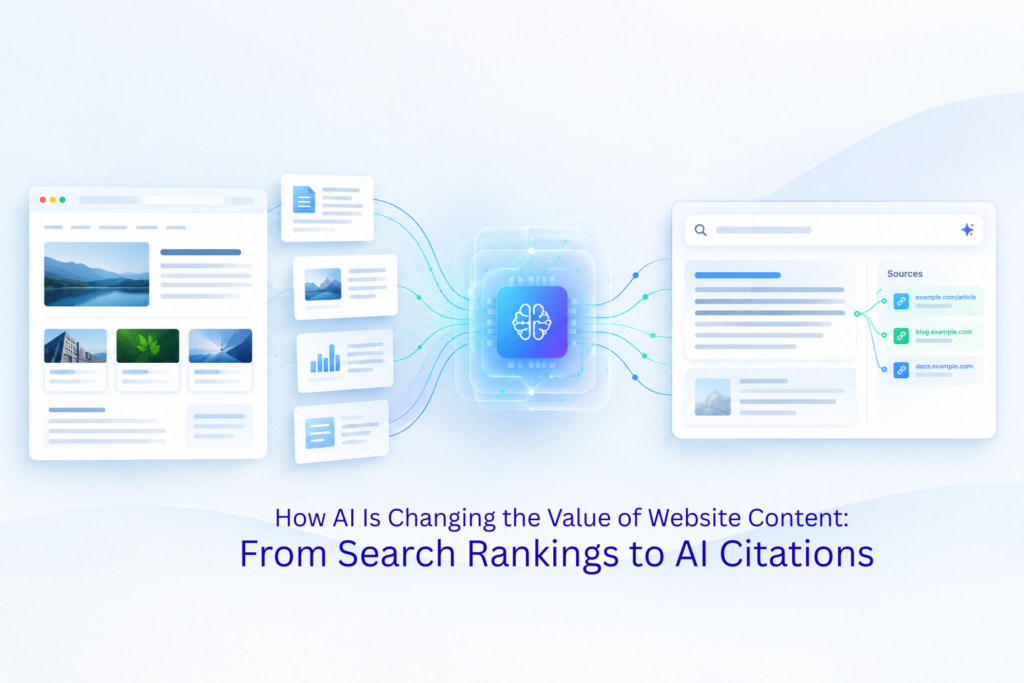
This is also why quality and AI visibility now move together. If you want a deeper look at how search is shifting from rankings to citations, read our guide on how AI is changing the value of website content. In short, pages that are clear, honest, and useful have a better chance in both Google and AI answers.
How can I create a quick checklist that I should complete before updating?
Create a checklist and apply it to your top pages, ticking off each item before proceeding to another one:
- ➯ The page has a single purpose and communicates the message effectively without delay.
- ➯ The title and headings give a clear summary of what the page is about.
- ➯ All tools, tabs, and widgets benefit the user.
- ➯ Author credentials, pictures, and names are legitimate.
- ➯ The facts, statistics, numbers, and AI-generated text have been verified.
- ➯ The page loads quickly and is mobile-friendly.
- ➯ Each part has an opening statement giving the answer.
What is the very first step I should take?
Choose the top five pages of your website and conduct the check for them. This may include your homepage, top service pages, and best performing blog posts. After applying the checklist and solving the easiest mistakes on those pages, you can proceed to other areas of the site.
Where should I seek assistance in making sure that my website is ready?
In case you don’t have the time to go through all of it, you can always rely on a professional team that will quickly analyze the issues and give recommendations in the order of their importance. Web and SEO partner like Mindbees can audit your website structure, content, speed and interactional elements, and tell you how to improve it effectively.
Whatever method you choose, your target remains the same – make sure that your webpages provide actual value for visitors. The more helpful your website, the less the risk of core update being a threat for you; it can become your opportunity to succeed.
FAQ
➯ Has Google confirmed the next core update?
No, Google hasn’t made any official announcements yet. This information is based on previous trends, current spam update, and changes in the guidelines.
➯ Will fixing my website protect me from a ranking drop?
Nobody can promise that. However, useful, honest, and well-organized pages are far less likely to be hurt by quality-focused updates.
➯ Do I need to remove all AI-written content?
No. Google’s guidance asks you to review AI-assisted content for accuracy and avoid deception. Checked and improved content is fine.
➯ How often should I review my website content?
A quick review every quarter works well for most sites, and a deeper audit once a year is a good habit.